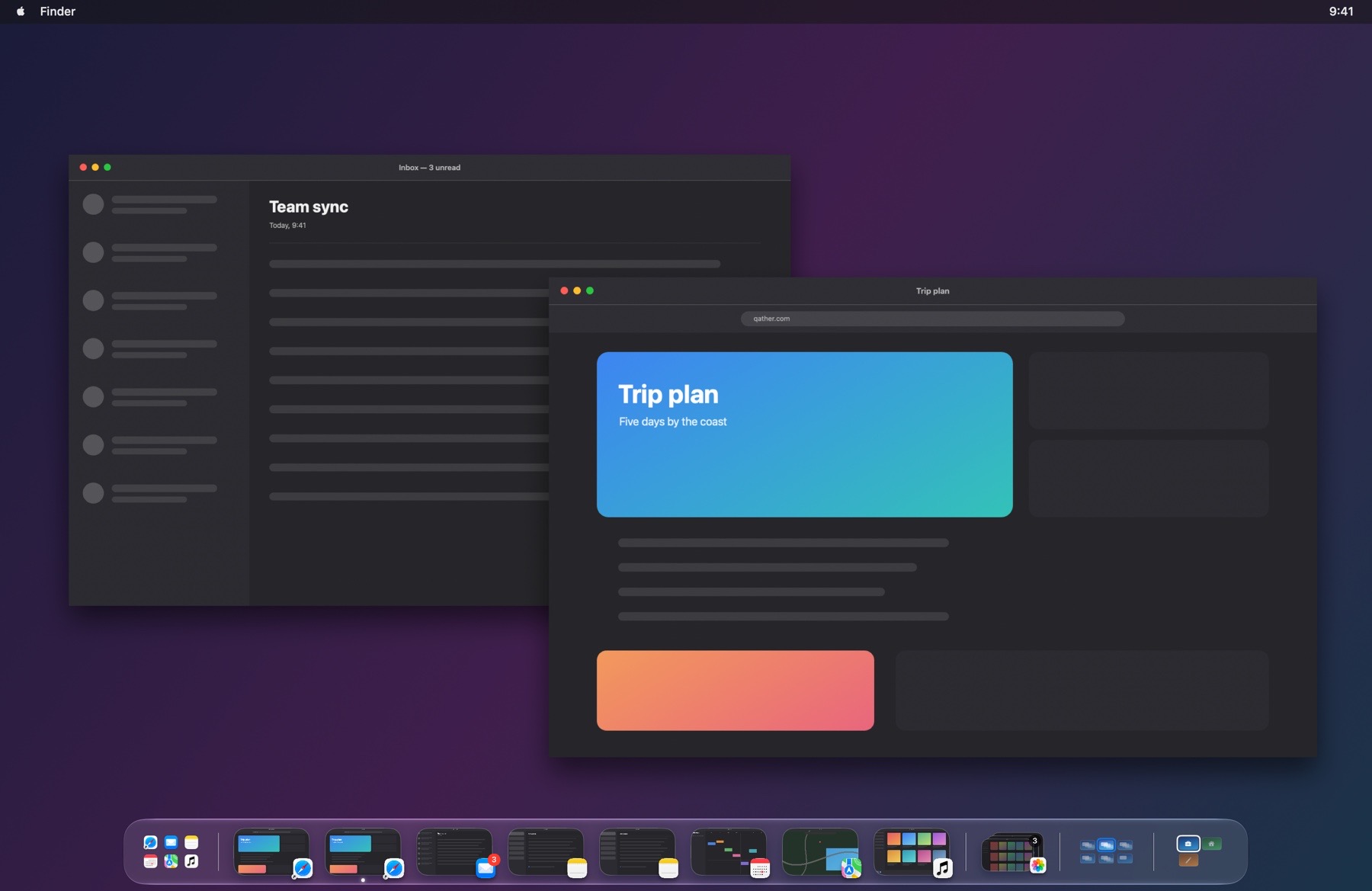
The shelf
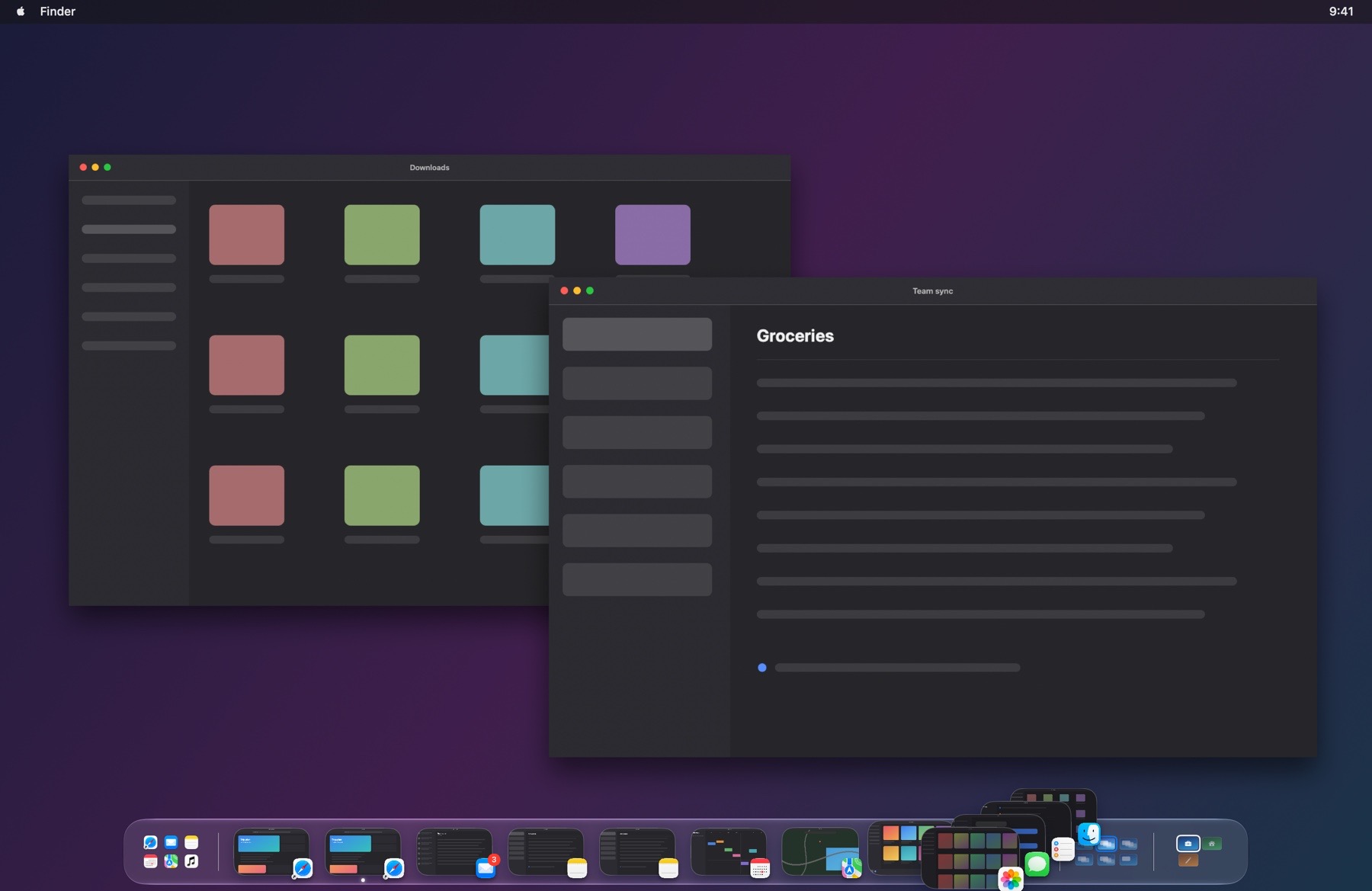
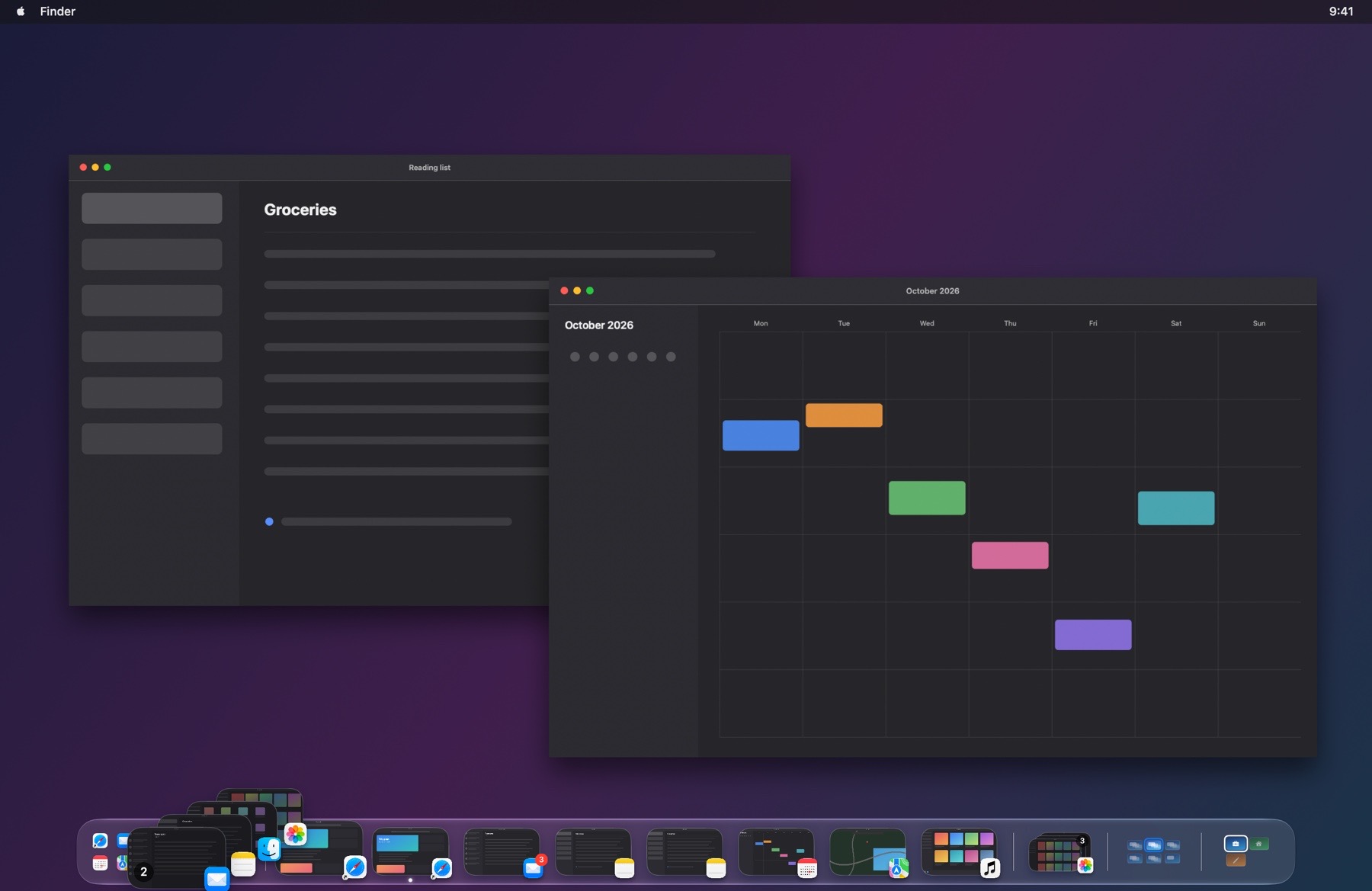
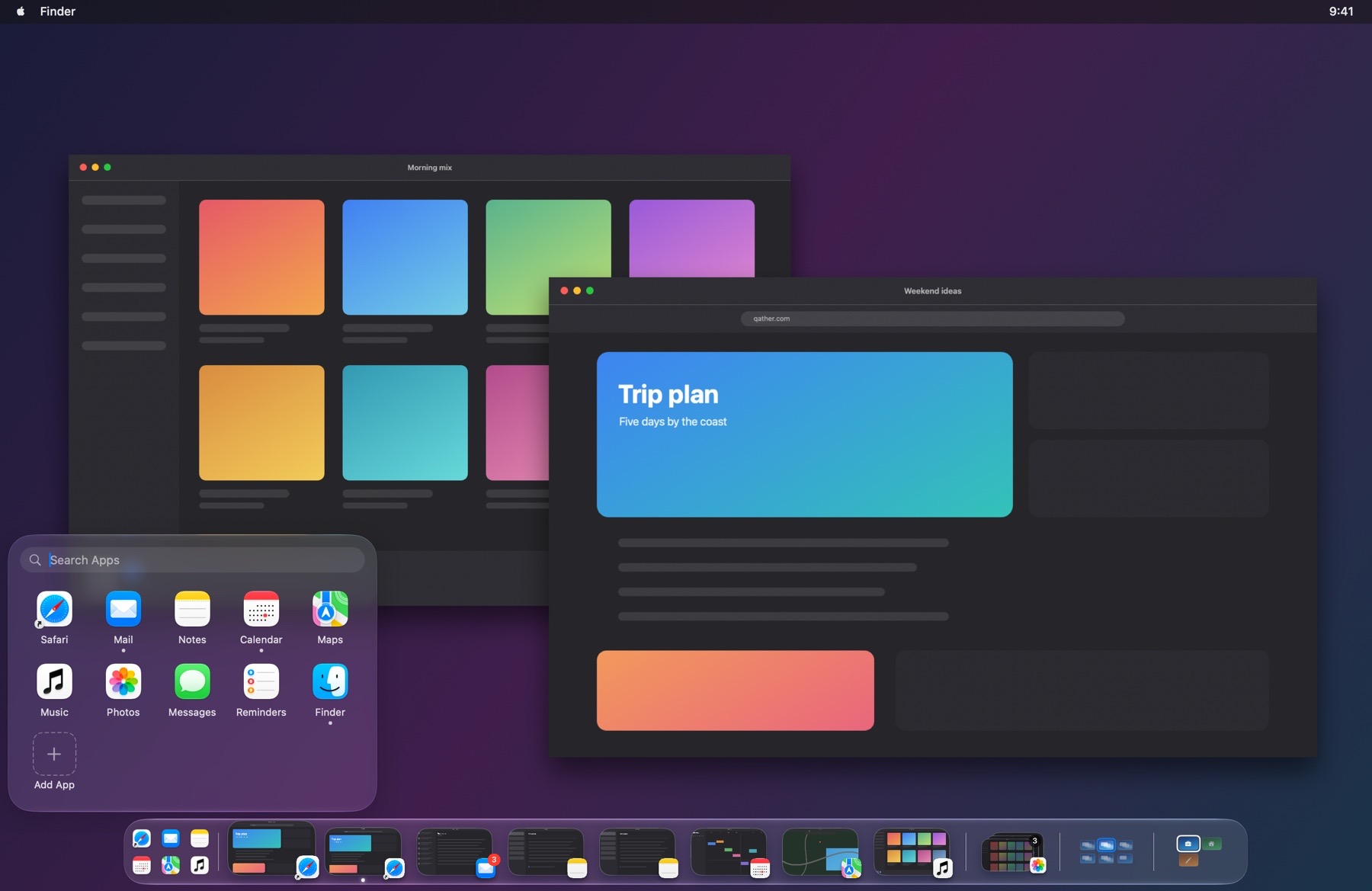
Every window of the space you're on, on a glass shelf at the bottom of the screen.
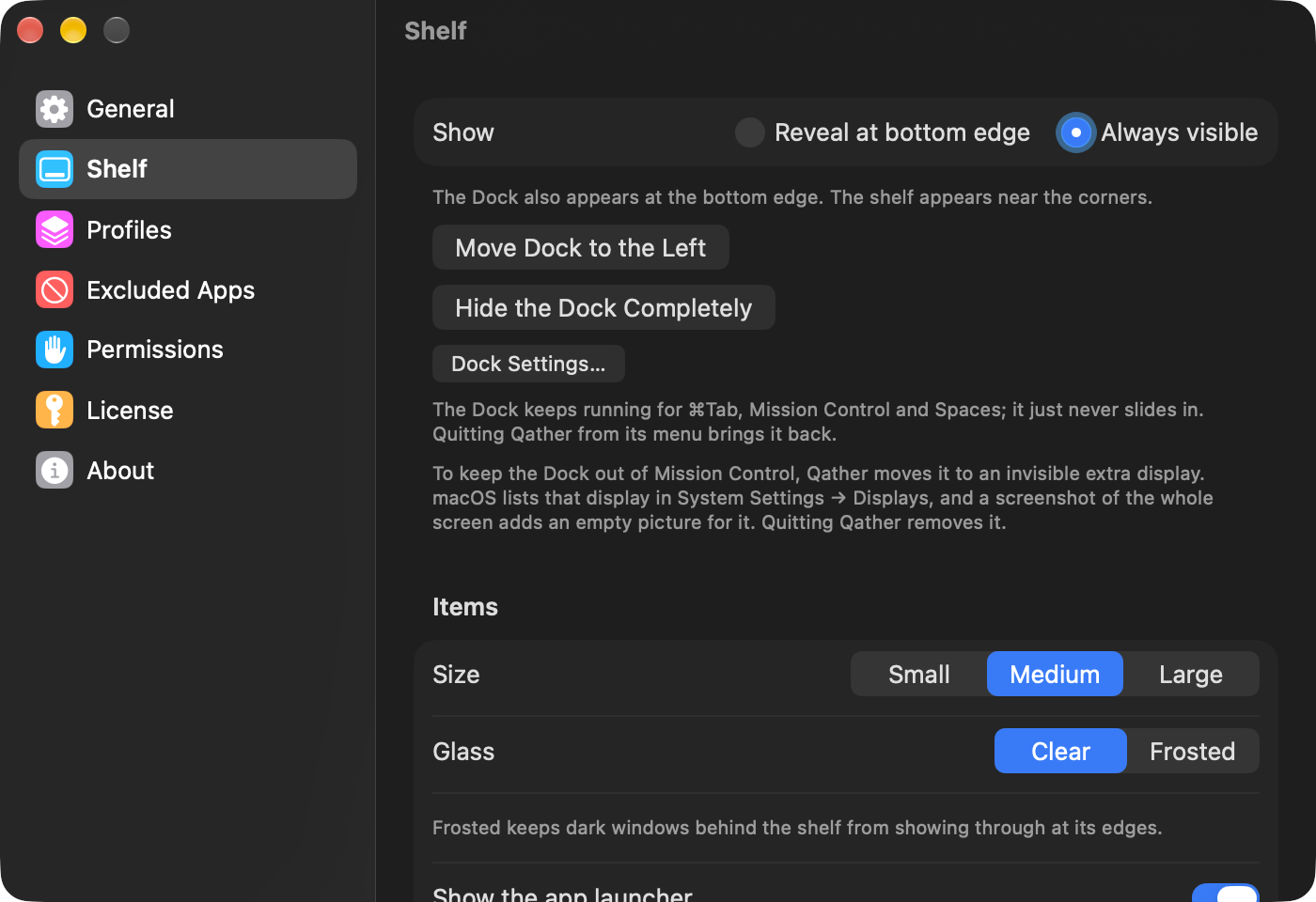
- Move the pointer to the bottom edge to bring the shelf up, or keep it always in view.
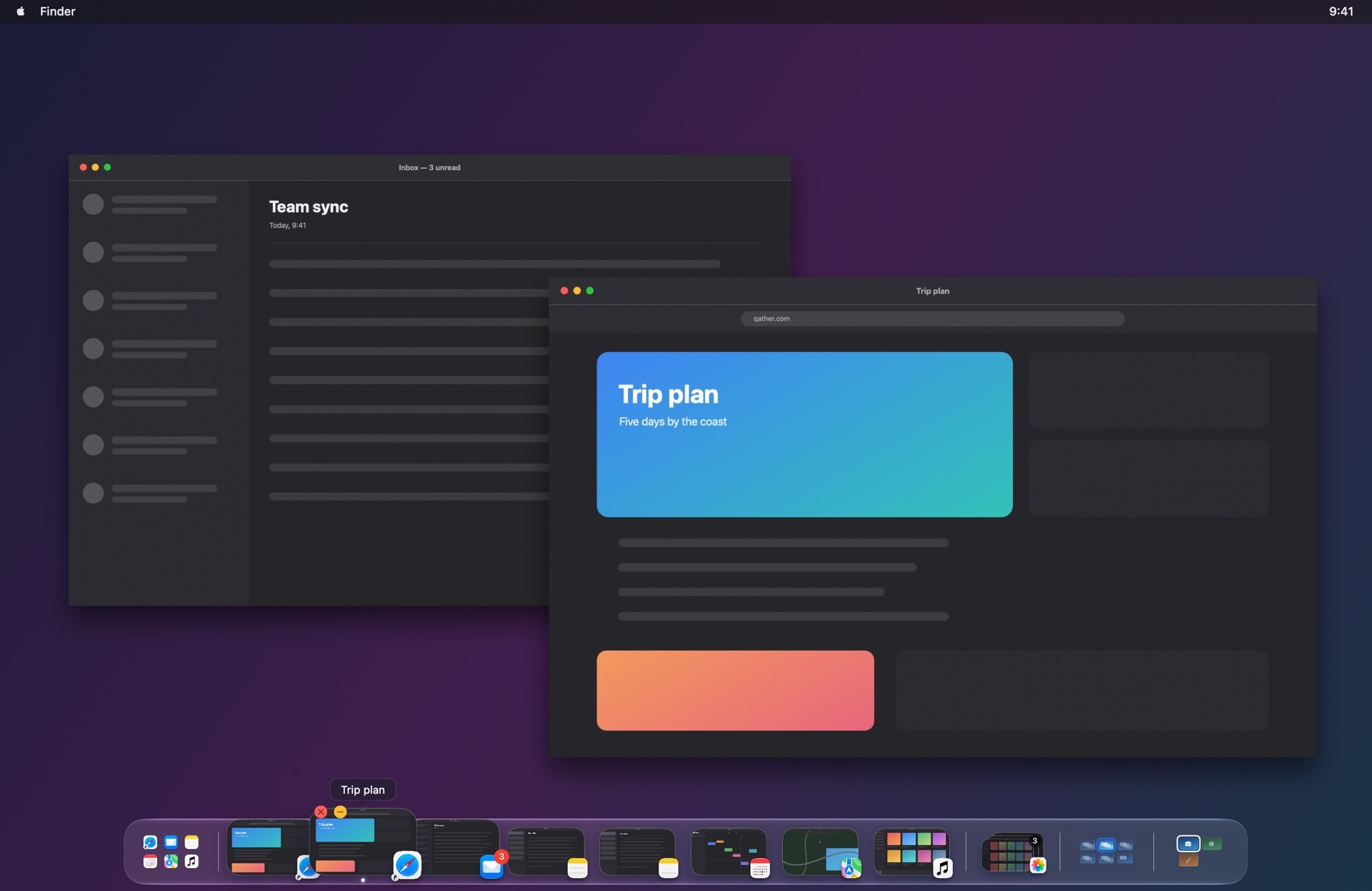
- Hover over a window to magnify it and see its title.
- Click to bring it forward, or right-click to close, minimize, hide or quit it.
- Close and minimize buttons appear on the window under the pointer.